
Introduction
Internal hard drives are vital for data storage within computers, acting as the primary repository for operating systems and files. While they are typically housed inside a computer’s casing, there are practical reasons one might use them externally without an enclosure. Cost efficiency, adaptability, and reusing old hardware are compelling motivations. This guide delves into the feasibility of using internal hard drives without enclosures, ensuring you consider essential steps and precautions.
Understanding Internal Hard Drives
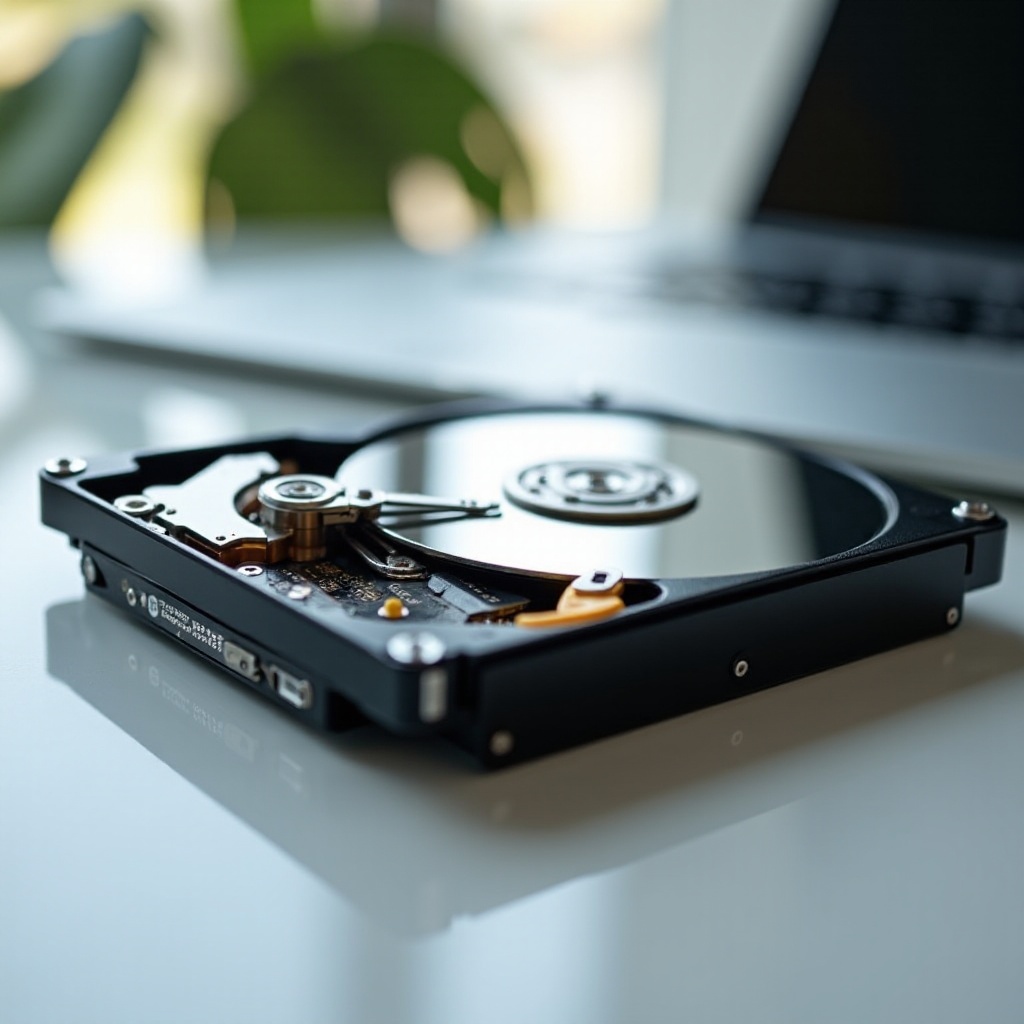
Internal hard drives are integral to a computer’s architecture, designed for fast data access within the system. They differ significantly from external drives, primarily due to their intended mobility and protective casing.
-
What is an Internal Hard Drive?
Internal hard drives are data storage devices that reside inside computers, serving as a computer’s main storage capacity. They store diverse data, ranging from operating systems to personal files, ensuring smooth computer functioning. -
Differences Between Internal and External Hard Drives
Internal hard drives are built for stationary use within a computer, providing faster data access due to direct motherboard connections. External drives, however, are portable, connecting via USB ports and encased to protect and stabilize data transfer. This physical and functional difference explains the need for additional steps to use an internal drive externally.
Knowing these distinctions establishes the context for using internal drives without enclosures, which usually protect the device and facilitate external connections.
The Role of an Enclosure
Enclosures are pivotal in transforming internal drives to external usage by adding an outer layer and connection interface.
-
Definition and Purpose of an Enclosure
An enclosure serves as a shield that houses internal hard drives, transforming them into external devices. The primary functions include providing protection, offering power to the drive, and allowing connectivity to different devices using standard interfaces like USB. -
Common Reasons for Using Enclosures
Many users opt for enclosures to effortlessly expand storage, create reliable backups, or re-purpose older drives into portable storage solutions. Enclosures offer the versatility needed for these functionalities, standing as a preferred choice for many.
Understanding how enclosures work points us toward alternative methods of using hard drives externally without these casings.
Using an Internal Hard Drive Without an Enclosure
Bypassing the enclosure, internal drives can be connected and used externally directly with specific tools.
-
Direct Connection to a Computer System
Internal hard drives can be directly connected to desktops using available internal SATA ports, facilitating quick data access akin to its usual deployment inside a system. This method is simple for those with desktops, providing an uninterrupted data transfer speed. -
Interface Options: SATA to USB
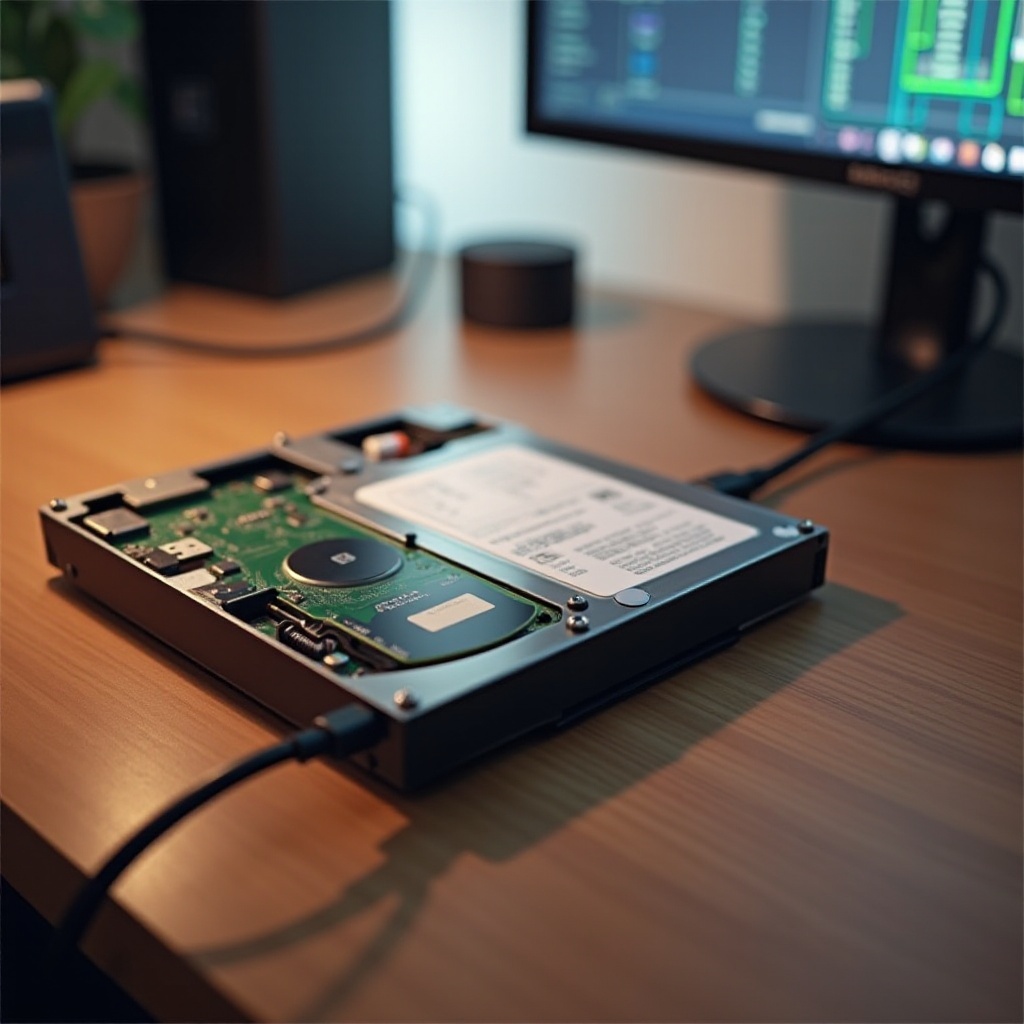
A popular alternative involves using a SATA-to-USB adapter or docking station for those without available SATA ports, especially for laptops. Such a setup allows the internal drive to function much like an external one with the convenience of USB connectivity.
These setups can transform internal drives into functional external storage solutions without traditional enclosures, although they require a careful methodological approach.
Pros and Cons of Using Without an Enclosure
While practical on several fronts, this method has distinct pros and cons.
- Advantages of Direct Usage
- Significant cost efficiency by skipping enclosures.
- Faster setup time, bypassing complex assembly.
-
Greater flexibility in rapidly accessing and analyzing data.
-
Disadvantages and Risks
- Vulnerability to physical damage without protective casing.
- Potential overheating without an enclosure designed to dissipate heat.
- Reduced portability compared to fully encased external drives.
Weighing these factors allows users to make informed decisions, determining whether this configuration aligns with their storage needs and usage intents.
Guide to Safely Using Without an Enclosure
To maximize safety while using an internal drive without an enclosure, follow these instructions and recommendations.
- Necessary Tools and Equipment
- Obtain a reliable SATA-to-USB Adapter or Docking Station.
- Use a power supply adapter if needed.
-
Organize cables to minimize connectivity risks.
-
Safety Precautions and Best Practices
- Place the drive on a stable surface to avoid drops or impacts.
- Use anti-static measures to protect the drive.
- Regularly back up data to avoid accidental losses.
- Ensure consistent temperature checks to prevent overheating.
These steps will help in mitigating potential risks, ensuring your drive’s longevity remains intact while in use without an enclosure.
Applications and Use Cases
Using internal drives without enclosures proves useful in various scenarios.
- Scenarios Where Internal Drives Are Used Externally
- Interim data transfer solutions during system upgrades.
- Utilizing decommissioned drives for extra storage.
-
Short-term storage expansion for gaming consoles.
-
Practical Industry Applications
Industries requiring quick data accessibility or short-term storage expansions, such as photography or video editing, can benefit from repurposing internal drives this way.
These applications underscore the utility of utilizing internal drives in flexible, unconventional setups, broadening potential uses and optimizing resource use.
Conclusion
Using an internal hard drive without an enclosure offers numerous benefits, such as reduced costs and improved versatility. However, the approach requires careful consideration of potential risks and necessary precautions to ensure data safety and drive longevity. By understanding these factors, users can skillfully adapt internal storage devices for various external needs, fostering creative and efficient data management solutions.
Frequently Asked Questions
Is it safe to use an internal hard drive without an enclosure?
Yes, it is safe if you take proper precautions, such as using adapters, securing the drive, and ensuring stable connections.
Can I use any internal hard drive externally without an enclosure?
Most internal hard drives can be used externally with the right adapters or docking stations, but ensure compatibility with your device.
How do I maintain the performance of an internal hard drive used without an enclosure?
To maintain performance, protect the drive from damage, avoid heat exposure, and perform regular software and hardware checks.