
Introduction
Power Supply Units (PSUs) are the backbone of your computer’s operational stability and performance. Ensuring that your system receives consistent and efficient power is crucial for optimal operation and longevity. In this guide, we provide comprehensive reviews and crucial insights for selecting the perfect PSU to fit your needs in 2024.
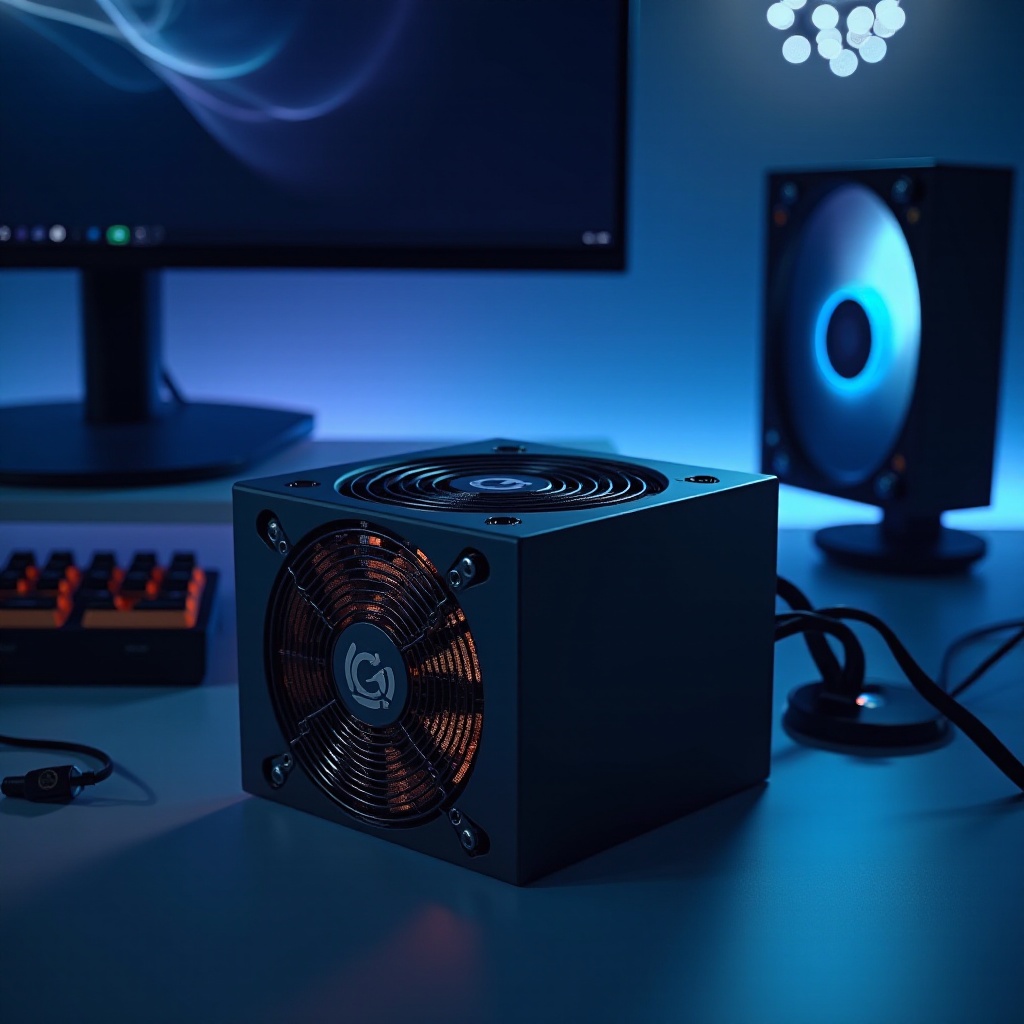
Understanding Power Supply Units
A thorough understanding of PSUs is necessary to appreciate their impact on your computer’s performance.
What is a PSU?
A Power Supply Unit is a vital component that converts mains AC to low-voltage regulated DC power necessary for the operation of a computer’s internal components. From motherboards to graphics cards, every part that requires power relies on the PSU.
Key Specifications and Features
- Wattage: Indicates how much power the PSU can supply. Higher wattage is essential for supporting high-performance or numerous components.
- Efficiency: Standards such as 80 Plus ratings signify how effectively a PSU transforms power with minimal loss. Higher ratings like 80 Plus Gold or Platinum indicate better energy efficiency.
- Rails: The PSU provides power through single or multiple rails. Multi-rail setups divide power, enhancing safety by providing overcurrent protection for each rail.
- Modularity: Modular PSUs allow the connection of only necessary cables, aiding in cleaner and better-organized builds for airflow improvement.
Top Computer PSUs of 2024
Selecting the right PSU from the many options available is imperative for performance and reliability.
Premium Model Review: Corsair RM850x
Corsair’s RM850x is a leader for high-performance setups. Delivering a strong 850 watts, it is fully modular with an 80 Plus Gold rating. Users highlight its exceptional silence and durability, making it ideal for enthusiasts.
Mid-Range Model Review: Seasonic Focus GX-750
The Seasonic Focus GX-750 is a standout for mid-tier builds. Its 80 Plus Gold certification, semi-modular design, and compact size provide excellent value. Users commend its stable power delivery and reliable performance.
Budget Model Review: EVGA 600 BR
For those prioritizing budget, the EVGA 600 BR is a solid choice. With an 80 Plus Bronze rating and 600 watts, it provides essential features and protection without straining finances. Stability and safety are well-received among users.
Evaluating PSU Performance
Performance evaluation ensures that your PSU choice aligns with your system’s requirements, enhancing its efficiency.
Power Efficiency and Certifications
Efficiency impacts both running costs and heat output. Certified PSUs from Bronze to Titanium levels reflect different efficiency percentages, with Titanium offering the highest.
Build Quality and Reliability
Quality components, like Japanese capacitors, are indicators of PSU reliability. Longer warranties often ensure peace of mind, reflecting the manufacturer’s confidence.
Choosing the Right PSU for Your Needs
Finding the right PSU involves balancing its ability to meet your system’s power demands against budgetary considerations.
Matching PSU Power with System Requirements
- Evaluate your computer components’ power consumption, including potential future upgrades.
- Opt for efficiency and reliability over excessive power, which can lead to unnecessary costs and heat.
Modular vs. Non-Modular PSUs
- Modular PSUs support clean, organized builds by eliminating unwanted cables, enhancing airflow.
- Non-modular options are more economical, though they can increase clutter with fixed cables.
Conclusion
In summary, choosing the right PSU is pivotal for ensuring consistent performance and longevity of your computer system. Whether your focus is on top-tier power, cost-effectiveness, or a balance of the two, the PSUs information provided should aid in making an informed decision for 2024.
Frequently Asked Questions
What does PSU efficiency rating mean?
A PSU’s efficiency rating shows how well it converts AC power to DC, affecting energy cost and heat generation.
How do I know if a PSU is compatible with my computer?
Ensure adequate wattage, correct connectors, and fitting size. Check motherboard form factor compatibility too.
What are some signs of a failing PSU?
Frequent crashes, odd noises from the PSU, erratic performance, and the computer not powering on are signs.