
Introduction
Locking your phone is an essential step towards protecting your personal data and ensuring privacy. With smartphones storing increasing amounts of sensitive information, knowing how to effectively lock your device is more important than ever. This comprehensive guide explores various locking methods and helps you choose the one that best suits your needs.
Understanding the Importance of Locking Your Phone
The lock screen acts as the first line of defense against unauthorized access to your device. By ensuring that your phone is locked, you protect both your data and personal information from potential threats, while also preventing misuse of your device. The importance of a secure lock increases as our phones become central repositories for both personal and financial information.
Types of Phone Locks
Selecting the right type of lock involves balancing security with convenience. Here are several options to consider:
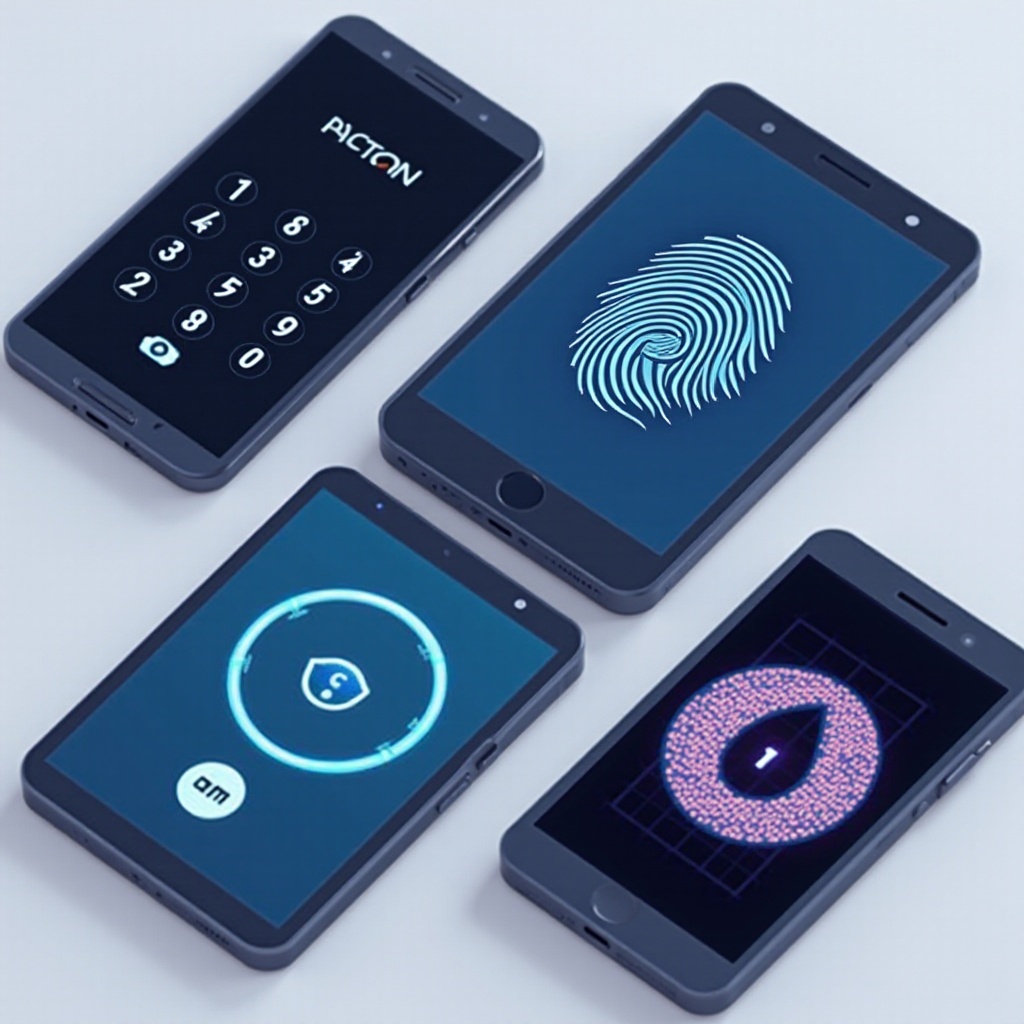
- PIN and Password Locks: These require the entry of a numerical or alphanumeric code. They are simple and effective.
- Pattern Locks: A secured pattern drawn on a grid of dots.
- Biometric Locks: Fingerprint and Facial Recognition: These use unique biological features for fast and reliable access.
Each locking method varies in its level of security, and the choice depends on your device’s compatibility and your specific security needs.
How to Set Up a Lock Screen
The setup process for lock screens varies slightly between Android and iOS devices. Here’s a step-by-step guide for each:
- Guidelines for Android Devices:
- Open the ‘Settings’ app.
- Tap ‘Security’ or ‘Lock screen’.
- Choose a lock type (PIN, Password, Pattern, etc.).
-
Follow the on-screen prompts to configure your lock.
-
Guidelines for iOS Devices:
- Go to ‘Settings’.
- Select ‘Face ID & Passcode’ or ‘Touch ID & Passcode’.
- Enter a six-digit passcode.
- Follow the instructions to set up biometrics if your device supports it.
Once your lock is in place, consider exploring additional advanced security features.
Advanced Security Features
Apart from the standard lock methods, modern smartphones offer advanced features that add layers of security:
- Two-Factor Authentication: An additional security step requiring a secondary device or email for verification.
- Smart Lock Technology: This feature allows your device to remain unlocked in trusted environments, such as when connected to your home Wi-Fi.
- Using Security Apps: Security applications can provide encryption and additional lock settings tailored to your needs.
Integrating these advanced options can significantly bolster your phone’s security, reducing risks of unauthorized access.
Troubleshooting Common Lock Issues
Sometimes, users may encounter issues with their phone locks, such as forgetting a password or experiencing biometric failures. Here are tips for resolving these issues:
- Use your Google or Apple account to recover your credentials if you’re locked out.
- For biometric problems, clean the sensor area and ensure the setup settings are correct.
- Regular updates and checking your settings can help minimize such disruptions.
Regularly maintaining your security settings ensures that your phone remains a secure and reliable digital companion.
Conclusion
In today’s digital landscape, locking your phone is not merely an optional step but a necessary one to protect against a wide array of security threats. Utilizing the locking methods outlined above, combined with advanced features, will help secure your device against potential intruders.
Frequently Asked Questions
How do I recover my phone if I forget my lock pattern or PIN?
You can reset your lock using your Google or Apple account via recovery options like Google Find My Device or Apple iCloud.
What is the most secure type of phone lock?
Biometric locks, including fingerprint and facial recognition, are secure, especially when combined with a strong password or PIN.
Can locking my phone slow down its performance?
Locking your phone generally does not affect performance. However, security apps might use additional resources that could have a minor impact.